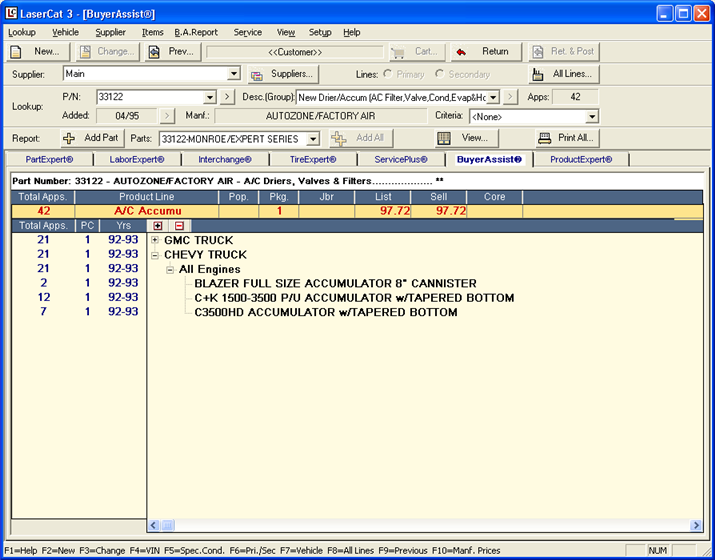
After you perform a lookup in BuyerAssist, the results display on the main LaserCat 3 window. You can manipulate your lookup in various ways. For example, you can:
Look up a different part number
Add a part to the BuyerAssist Part Report
Print the information in the display area
Move your mouse over the different buttons and other features of the image below. Wherever you see the mouse cursor turn into a pointing hand, that area to view a popup describing the feature. Click anywhere outside the popup window to close it.