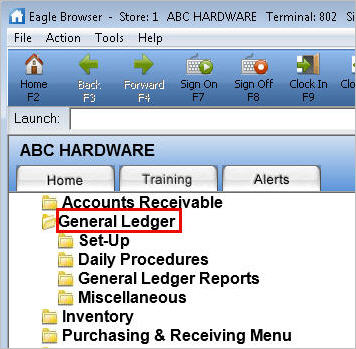
From the Eagle Browser, click General Ledger.
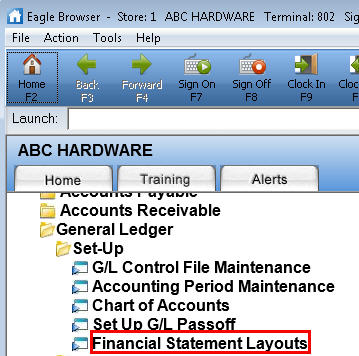
From the General Ledger Menu, under the heading "Setup," click Financial Statement Layouts.